I will send a link to download within 24 hours of the purchase
Download the package and open it.
Install TCDriver first. It is a driver with which the program works.
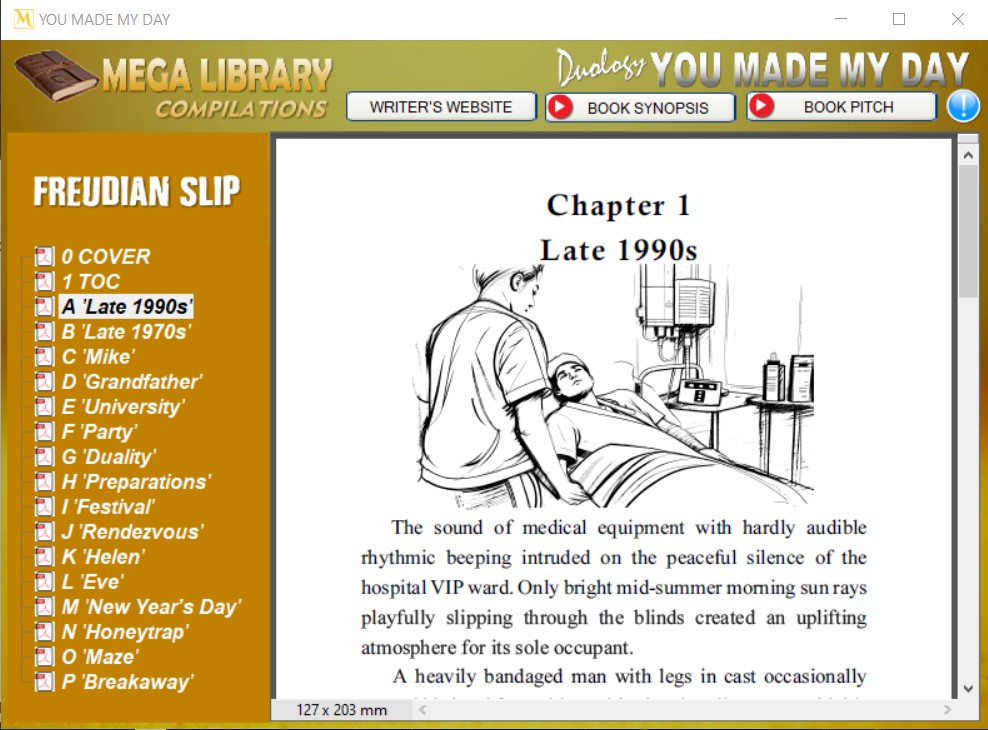
After the installation, click on the program, and it will ask for the activation code.
Your activation code will be emailed to you with the link: XXX-XXXX-XXXXX
Copy and paste the Activation Code into the Program, and once activated, it will never ask for activation again.
WHAT YOU SHOULD KNOW:
Please remember that this Activation Code is a unique passcode for your computer ONLY. It will not work on the other machine.
The program has a copy-protection security; therefore, no files can be copied or transferred. Otherwise, the copied file will not work. It works only within the program.
The program works with the driver, and it will install a Virtual Drive on your computer. Commonly, it will be found in your taskbar. If you need to stop using the program, you can close it or unmount it from the icon in the taskbar.
IMPORTANT! Once you receive the activation code, no refunds will be made. The program was tested on numerous computers, and it works as described.